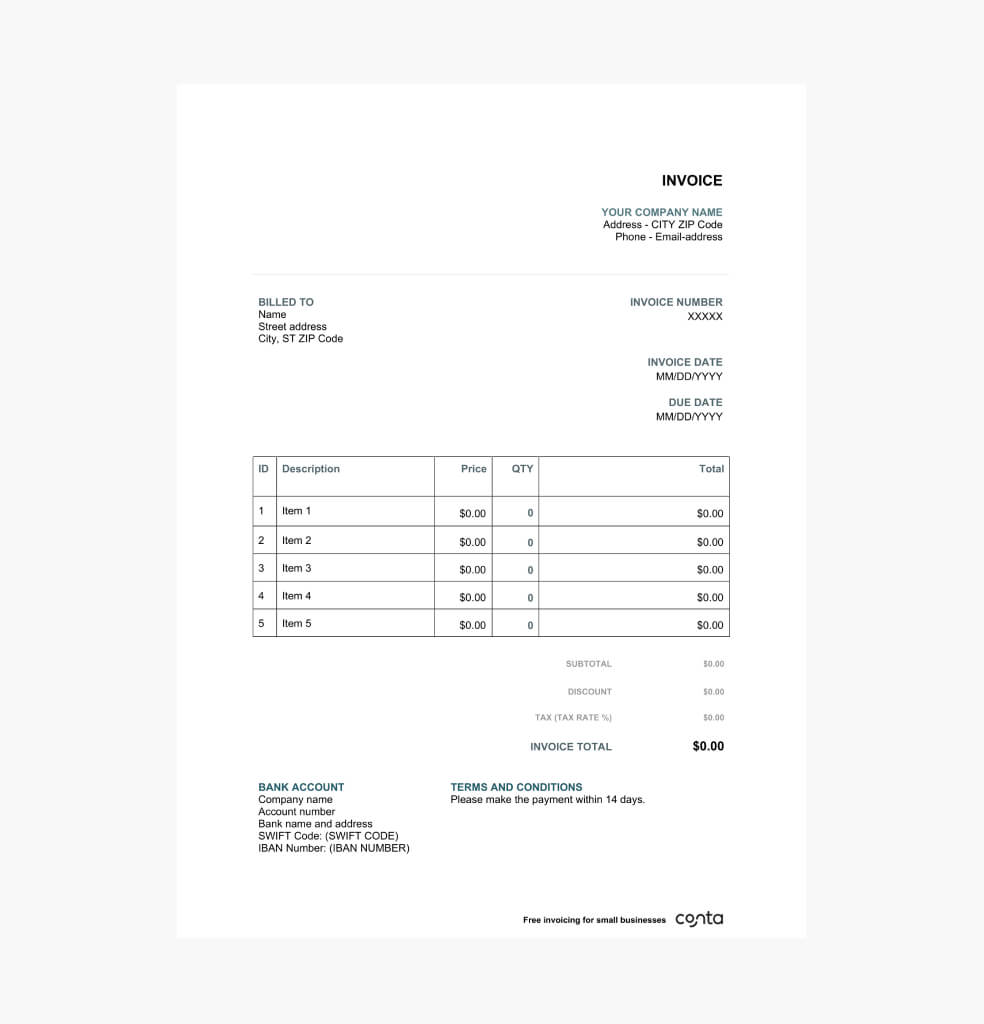
A Word invoice template for any type of business
A free invoice template made for the business you run, whether you are a small business owner, freelancer, or self-employed. Use it for any goods and services you’ve sold.


A free invoice template made for the business you run, whether you are a small business owner, freelancer, or self-employed. Use it for any goods and services you’ve sold.
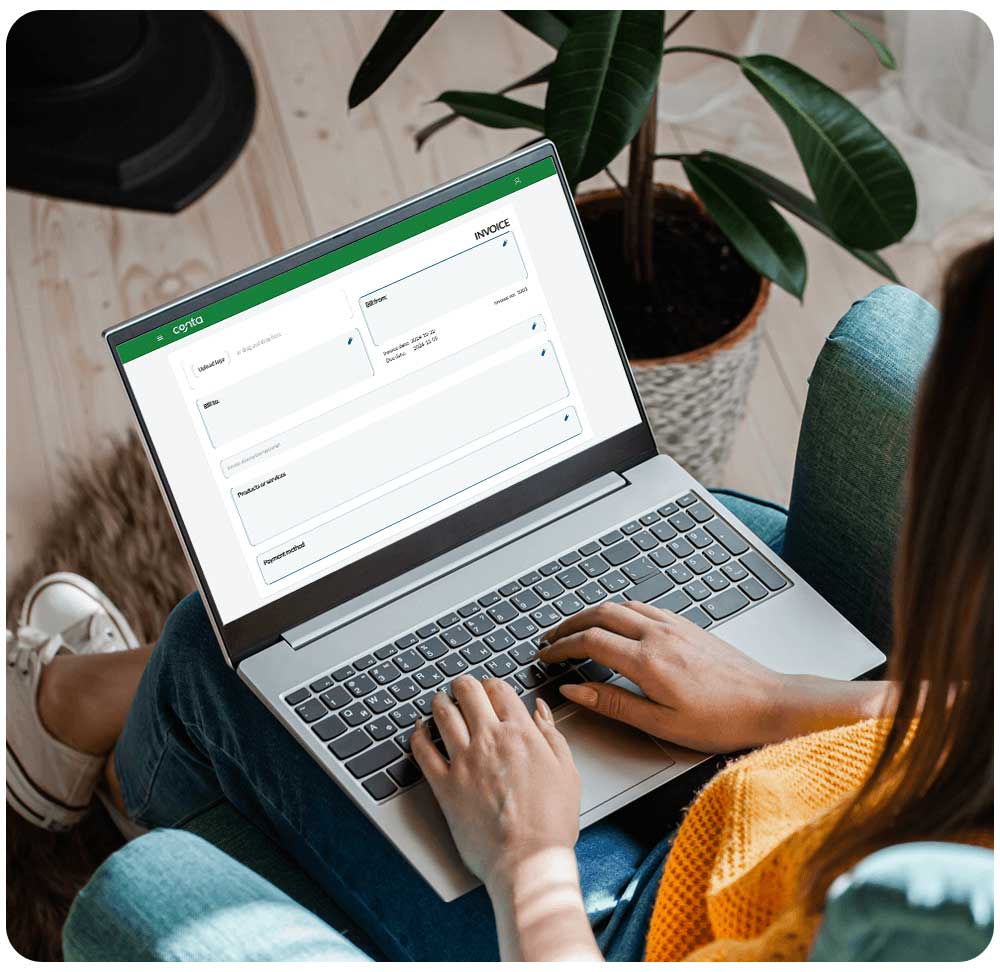
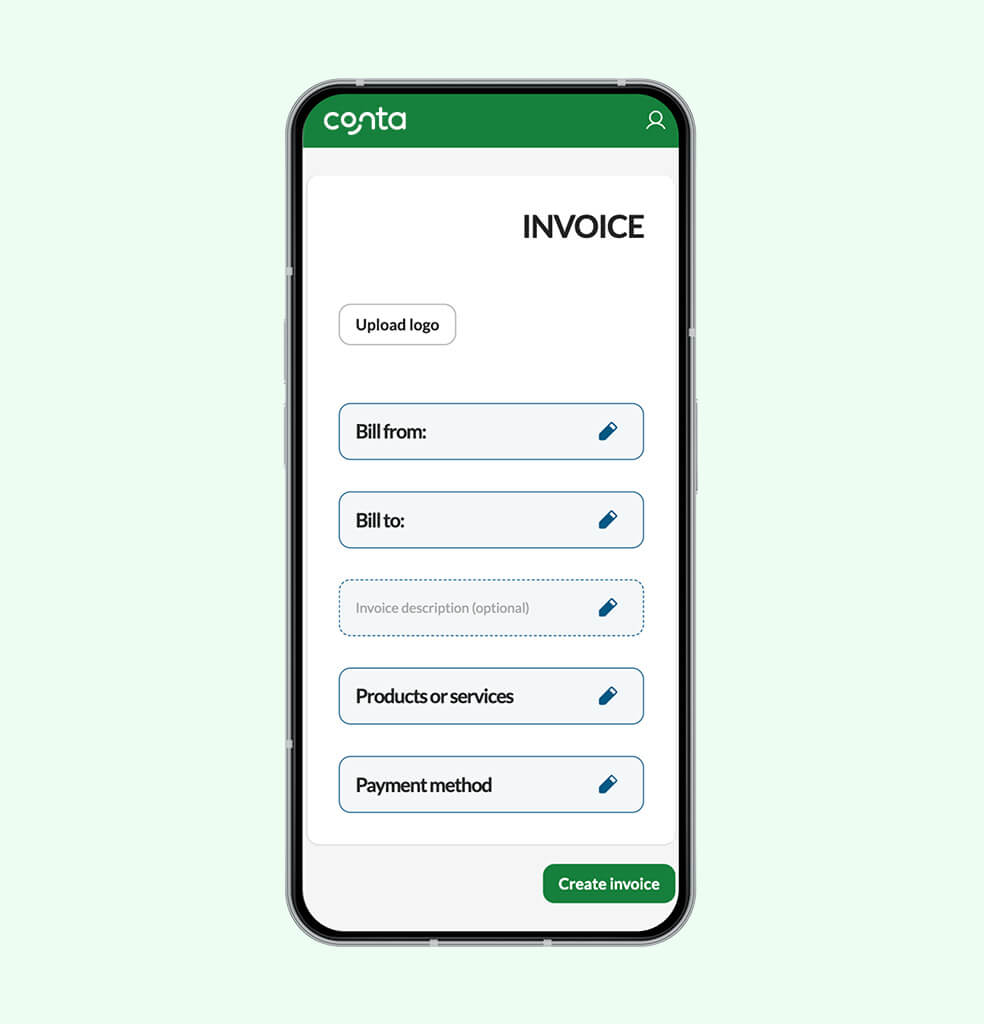
With the invoicing software from Conta, you can effortlessly create and send professional invoices. It’s quick and easy, just add the client, products or services and choose how to send the invoice.

Download the invoice template that best suits your needs:

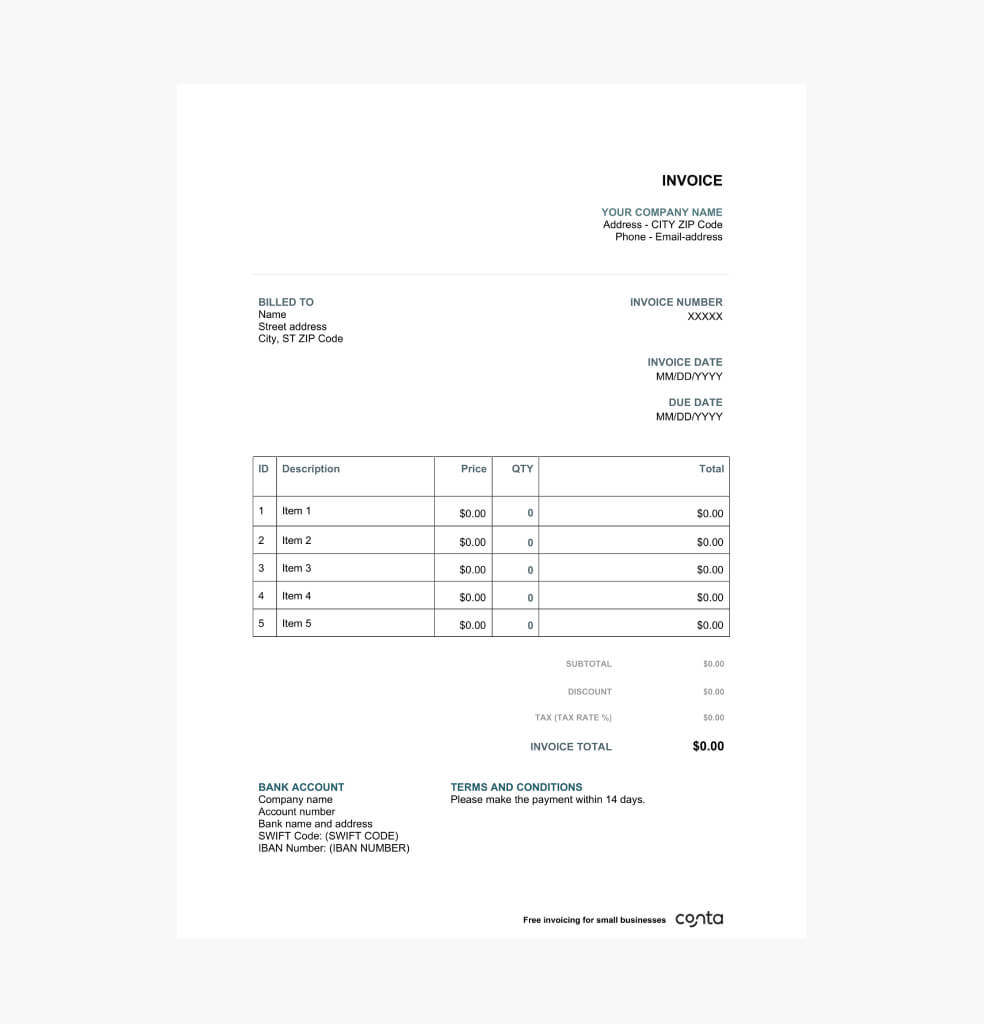
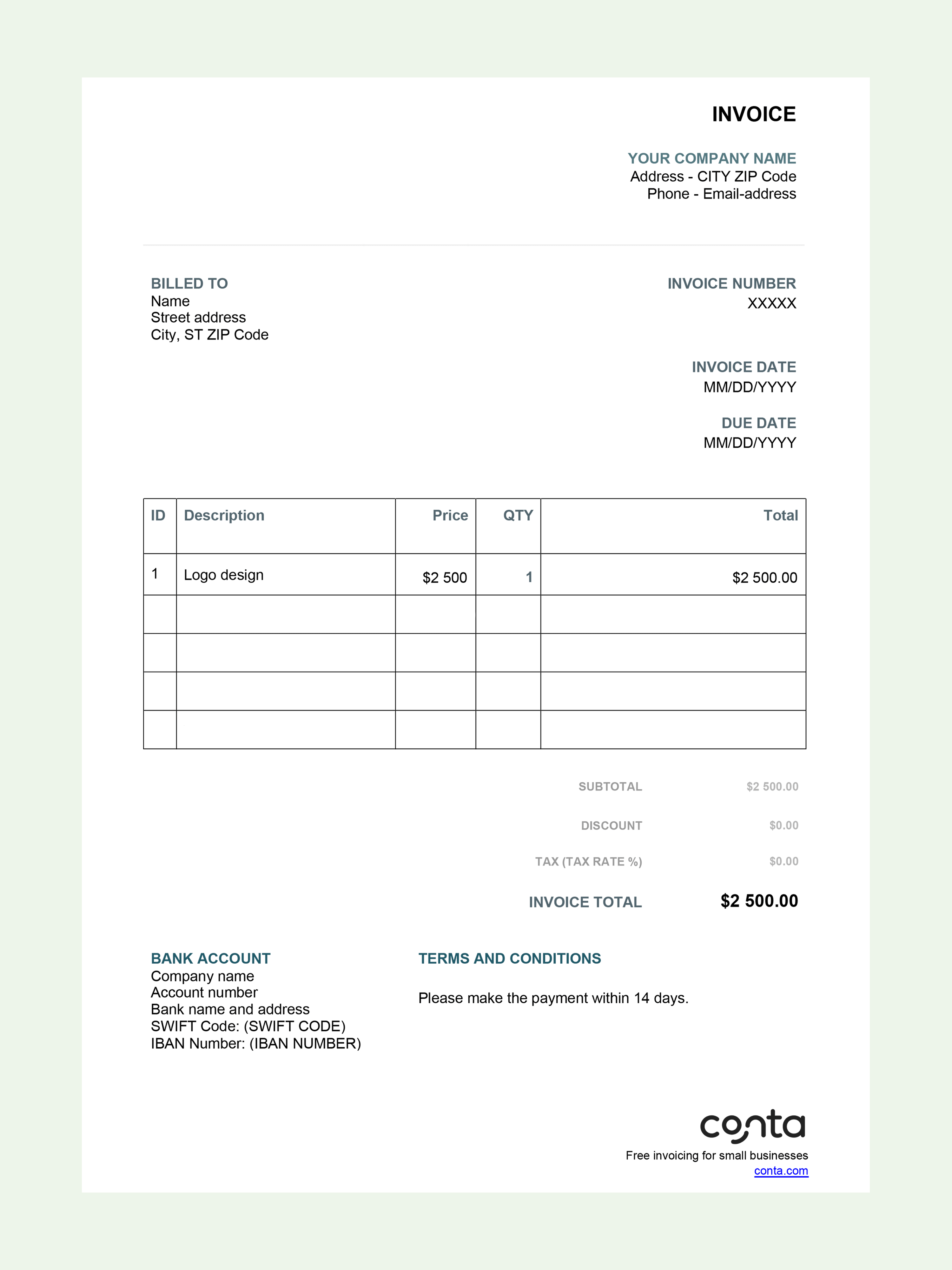
This is an example of what the invoice template looks like:
💡 PRO TIP! Conta is an invoicing software that takes care of all that for you. Create invoices quickly and easily during your 30-day free trial. Most importantly, the invoices include everything you need to get paid on time!
When you use the invoicing software from Conta to make invoices online, you’ll be guided through the process: Just add your clients, your products or services and then choose how to send the invoice. It’s that easy!

If you want to use an invoice template, this is what you have to do:
Still have questions? This is how to write an invoice in 5 simple steps.

To make the template your own, you can change the text, font, colors, add your company logo and more.

Simply fill in the blank fields and send the invoice to your customer.

The template will calculate the tax, discount and total price for you. That’s efficiency!
| Features | Invoice template | Invoicing with Conta |
|---|---|---|
| Cost | $0 | $0 — Create your free account |
| Printable |  | |
| Email to clients | | |
| Unlimited invoices | | |
| Track sales and sales tax | | |
| Save clients, products, and services |  | |
| Get notified about overdue invoices | | |
| Track invoice status | | |
| Add business partners or accountants as collaborators | | |
You can make an invoice in several ways: Invoice template, invoice generator, pen and paper, or invoicing software. Invoicing software is the fastest and most professional way to make invoices. You can make invoices on your phone or laptop and send them to clients within minutes. You can also keep track of payments and get notified if there’s an invoice you need to follow up on. Start 30-day free trial.
If you want to make an invoice in Word, you can download the free template for Word and start making invoices today. Check out our article about how to generate an invoice in Word.
There are many free invoice templates in Word. Which one you should use, depends on your needs. The most important thing you need to look out for, is that the template includes all the required fields—especially what you need to add to get paid. You can download a free professional Word template and get started now.
It depends on whether you’re more comfortable with Word or with Excel. Both programmes can be used to make invoices. You can download a free invoice template for Word, or a free invoice template for Excel. However, if you’re going to be making more than a couple of invoices per year, you should look into invoicing software instead. It makes the job a lot easier!
You can set up an invoice yourself in Word, but there are also lots of free templates to choose from, such as this blank invoice template for Word. Once you’re happy with how the invoice looks, simply print it or export as PDF and send to your clients via email.
What are you waiting for?
Professional invoicing, unlimited sending, free for 30 days, no credit card required.